
INTERACTIVE PLANNING GUIDE
Prepare institutional data for a controlled migration
Inventory sources, assign owners, reconcile records and define acceptance before the final cutover.

Start by understanding which sources exist and why they are authoritative. A spreadsheet may contain a useful exception that has never reached the main system.

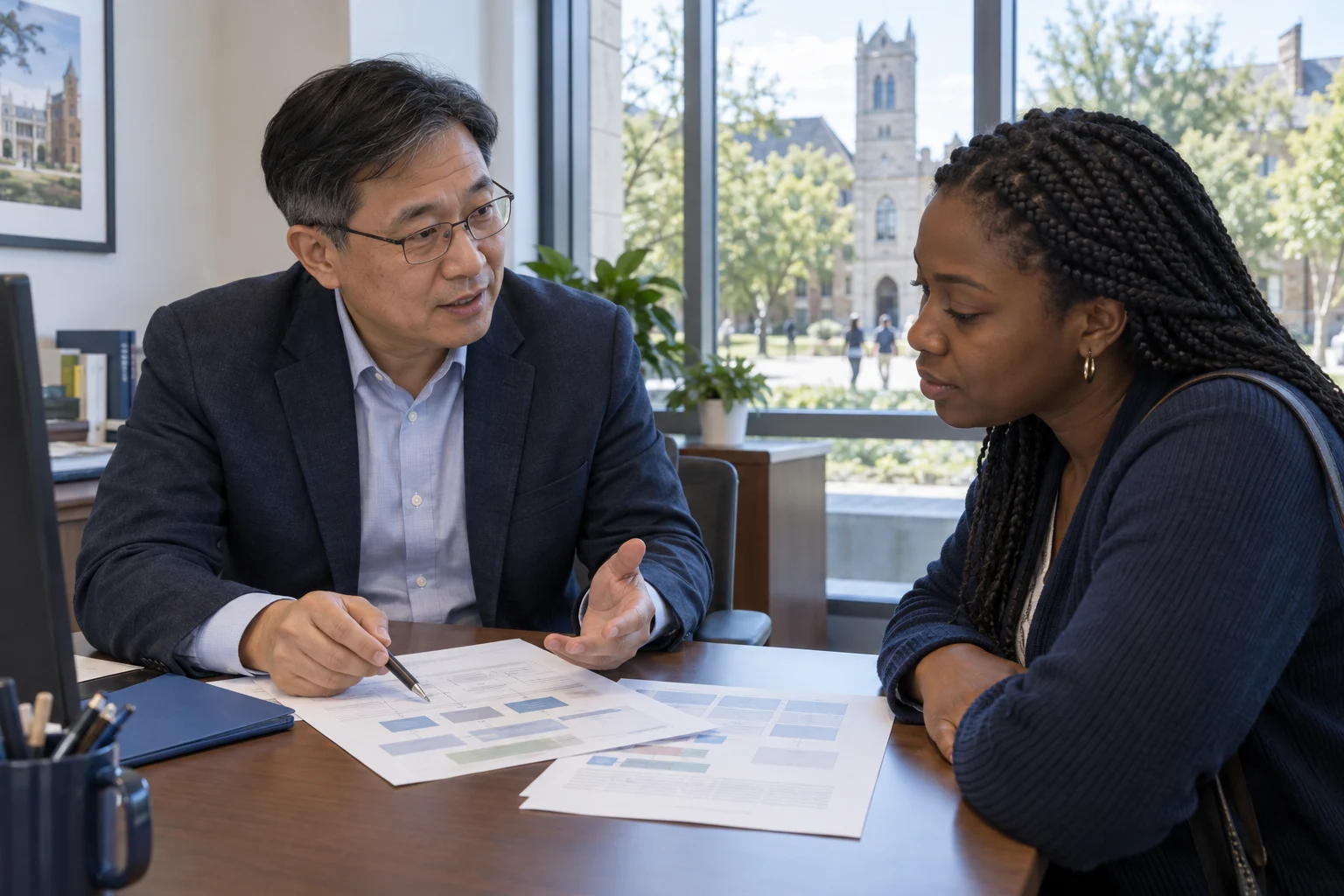 Prepare institutional data for a controlled migrationInventory and ownership → Acceptance and cutover
SEE HOW THE WORK CONNECTS
Check the whole record, not just the upload
Confirm totals, identities and sample histories with the people who own them.
- 01
Inventory and ownership
Start by understanding which sources exist and why they are authoritative. A spreadsheet may contain a useful exception that has never reached the main system.
- 02
Mapping and quality
A source value needs a defined destination and a rule for exceptions. Rehearsing early makes structural problems visible while there is still time to correct them.
- 03
Acceptance and cutover
Business owners should accept the migrated information using agreed checks. A technical success message alone cannot establish whether the institution can safely use the records.
Illustrative workflow · Shape the details around your institution.
Inventory and ownership
Start by understanding which sources exist and why they are authoritative. A spreadsheet may contain a useful exception that has never reached the main system.
Mapping and quality
A source value needs a defined destination and a rule for exceptions. Rehearsing early makes structural problems visible while there is still time to correct them.
Acceptance and cutover
Business owners should accept the migrated information using agreed checks. A technical success message alone cannot establish whether the institution can safely use the records.
Make it specific to your institution.
Keep this working copy free of student records, credentials and sensitive personal information.
Questions before the next step.
Should we clean all historical data first?
Prioritize the data required for the agreed launch scope, while preserving retention obligations and access to history. Decide explicitly which historical quality issues block migration and which can be managed separately.
Who should validate the imported records?
The teams that own the meaning of the information: registry for enrollment and relationships, academics for outcomes and finance for financial records, supported by technical checks.
Can we keep using the old system during preparation?
Usually the preparation and trial-import work needs an explicit plan for ongoing changes. Agree how the final source will be frozen or reconciled so updates made during preparation are not lost.
TURN THE READING INTO A USEFUL CONVERSATION
Bring your questions. Start with your context.
Use a workflow, a checklist or an unresolved decision to shape a tailored demonstration.