
MOBILE EXPERIENCES
Useful in the moment.
Wherever the day takes you.
Plan focused education workflows for the device and moment in which people use them.

Observe the task: where it happens, which device is used and what interruption is likely.
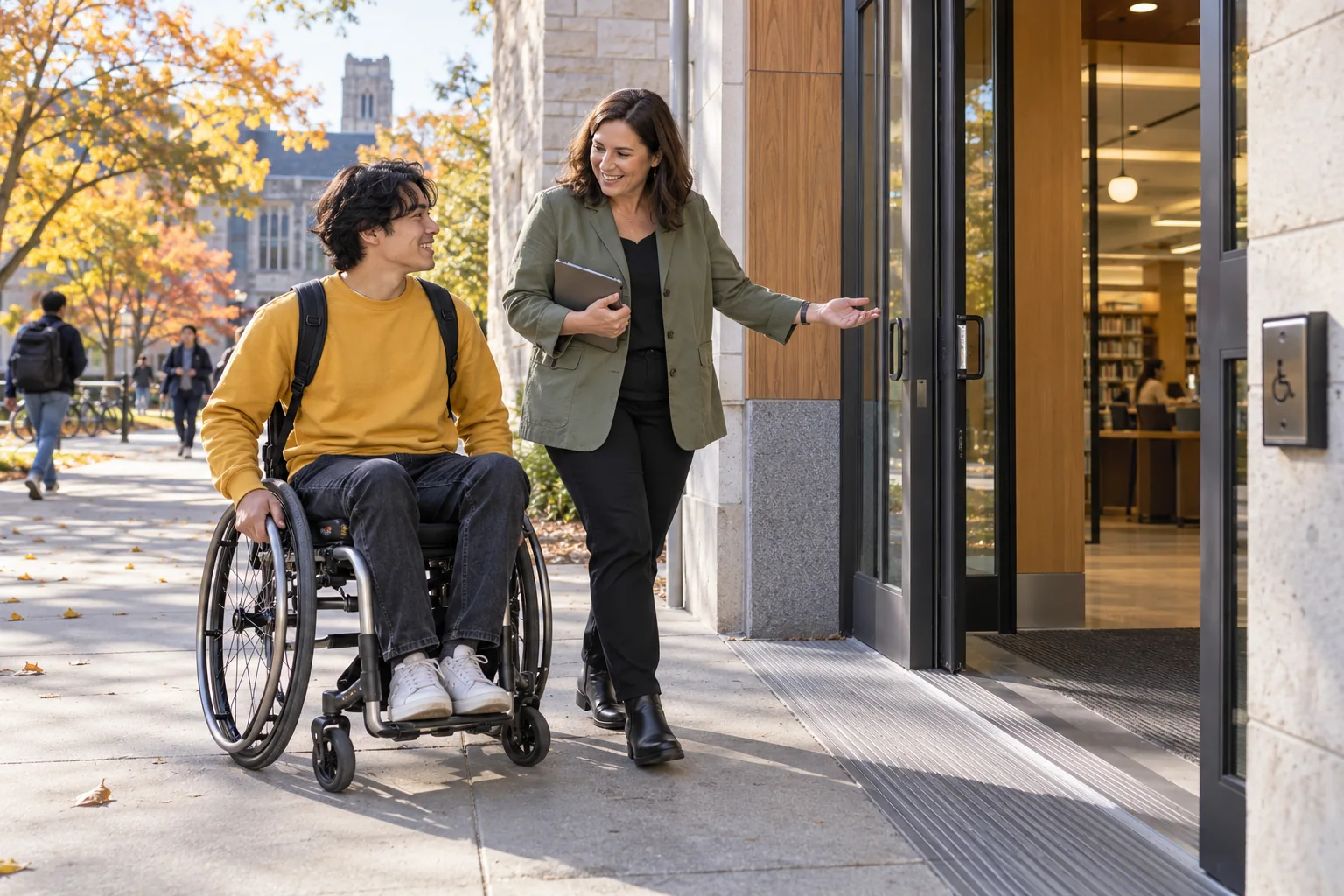
START WITH THE QUESTION
What must someone finish between one place and the next?
A parent checking a notice, a teacher reviewing a class and a campus officer recording an issue need a focused task, legible information and an obvious next action. Start mobile design with that moment instead of shrinking an entire desktop workspace.
Explore mobile experiences in practice.
Choose a perspective to see what changes.
An update between school and home
A family member opens the next relevant school update and sees the action expected of them.
A short path from school notice to the next family action.
- Today
- Learning review invitation
- Learner
- Alex · Year 9
- Action
- Choose an appointment time
- Help
- Contact student services
WHAT MAKES IT USEFUL
Make the essential task work away from a desk.
One task at a time
Prioritize the actions a person can complete in a short session. Show the relevant identity, status and next step before secondary details.
Designed for real devices
Review small screens, touch targets, keyboard access, readability and slow connections. Check representative institutional devices as part of acceptance.
Clear delivery expectations
Responsive web, native apps, offline operation and push notifications are separate requirements. Confirm the intended delivery scope and supported devices during evaluation.
FROM DISCUSSION TO DAILY WORK
Test the task on the devices people actually use.
- 1
Choose a mobile moment
Observe the task: where it happens, which device is used and what interruption is likely.
- 2
Reduce the steps
Identify the minimum fields, confirmation and recovery path needed to finish without losing work.
- 3
Test the conditions
Walk through device handover, sign-out, poor connectivity and assistive technology before rollout.
 Mobile experiencesChoose a mobile moment → Test the conditions
SEE HOW THE WORK CONNECTS
Mobile experiences
What must someone finish between one place and the next?
- 01
Choose a mobile moment
Observe the task: where it happens, which device is used and what interruption is likely.
- 02
Reduce the steps
Identify the minimum fields, confirmation and recovery path needed to finish without losing work.
- 03
Test the conditions
Walk through device handover, sign-out, poor connectivity and assistive technology before rollout.
Illustrative workflow · Shape the details around your institution.
CONFIGURE WITH INTENTION
Define mobile access and connectivity expectations.
- Role-specific start views and high-priority actions
- Supported browsers, device sizes and authentication expectations
- Session handling and shared-device policy
- Connectivity, notification and offline requirements for scoping
QUESTIONS TO RESOLVE
Questions about mobile experiences.
Use these questions to make the evaluation specific to your institution.
Is Qentak available in an app store?
This public site demonstrates responsive experiences. Native app availability, app-store distribution and device support should be confirmed in the delivery scope; the preview is not an app-store release announcement.
Does the platform work offline?
Offline work requires explicit decisions about local storage, conflict resolution and data protection. Identify the tasks that must survive a lost connection so those requirements can be assessed separately.
How do we evaluate mobile accessibility?
Use the actual tasks on representative devices. Check zoom, text size, screen-reader labels, focus order and error recovery, with participants who use those settings in their daily work.
YOUR INSTITUTION. YOUR CONTEXT.
Show us the task that needs to travel with your team.
Start with a real workflow, the people involved and the outcome you need.