
DESIGNED FOR MORE PEOPLE TO USE
Clear navigation. Controllable motion. A way to ask for help.
The public website uses responsive layouts, native form controls, keyboard-accessible interactions, and reduced-motion support. Accessibility feedback helps identify barriers that automated checks can miss.
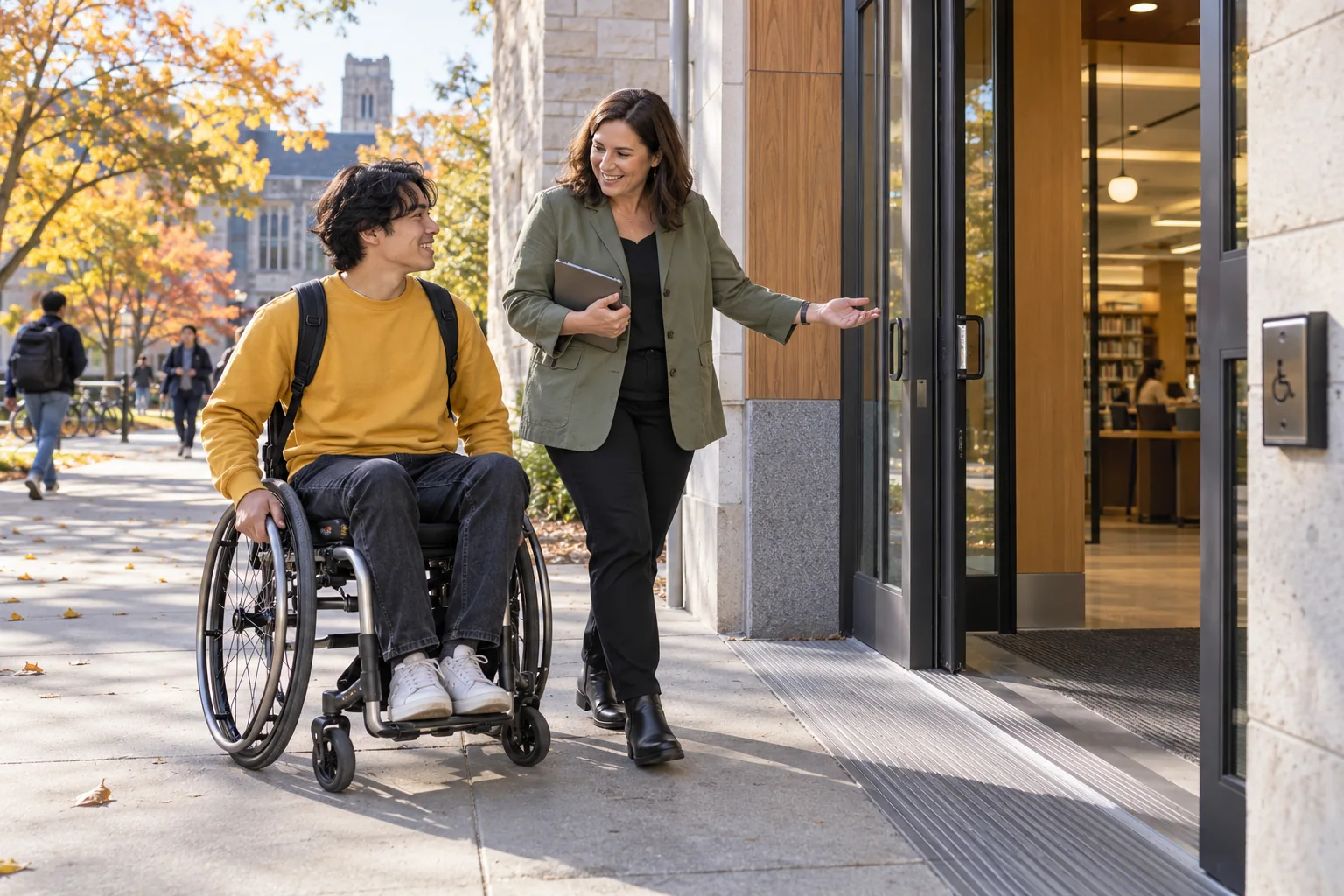
Accessible interactions need clear structure, usable controls and a way to report barriers.
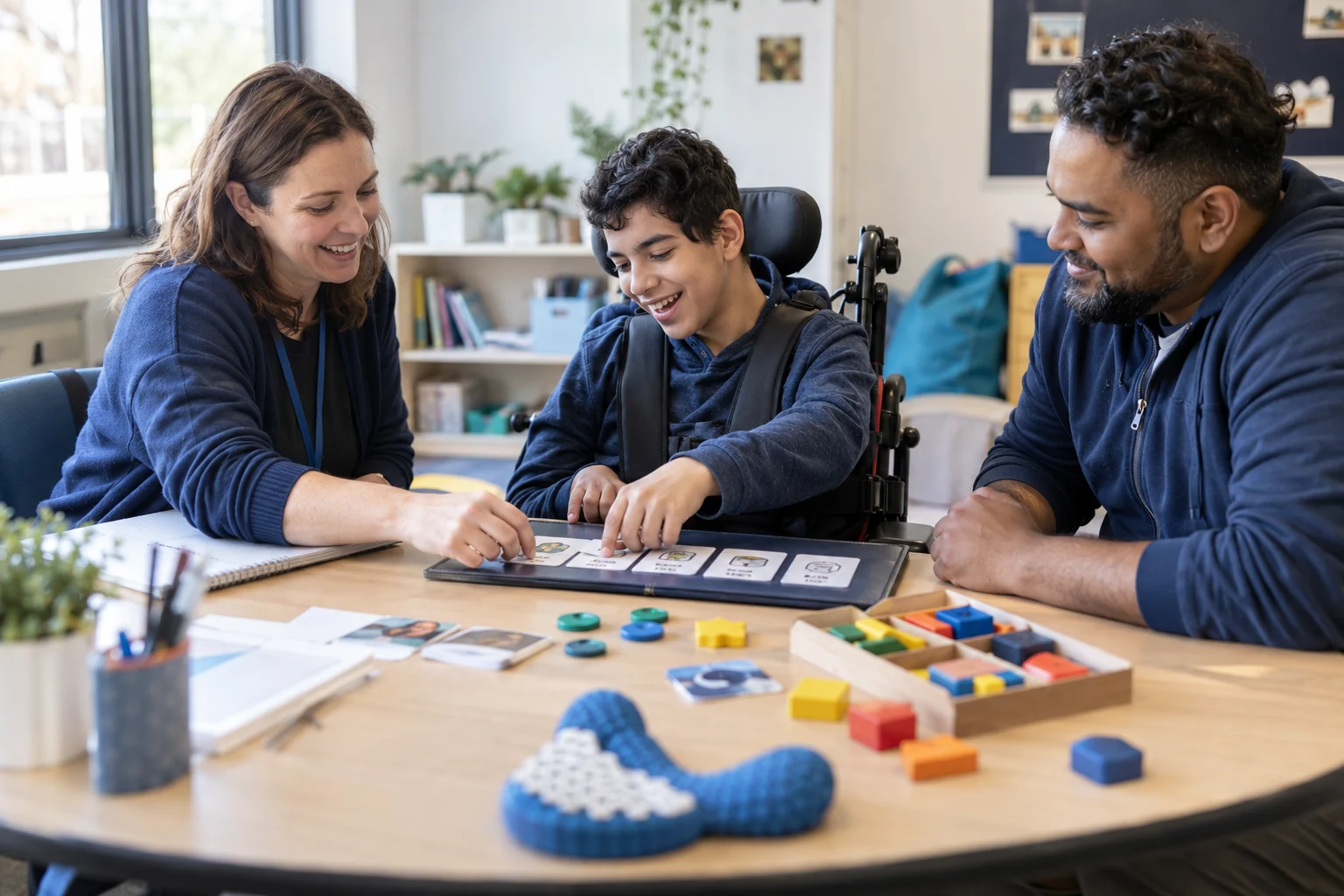
Public website edition · Updated 10 October 2026
Motion and animation
Enable the reduced-motion preference in your operating system or browser to reduce animation. The hero carousel has slide controls and a pause button. It pauses during relevant focus and interaction states; content does not require watching an animation to understand the page.
Reading and layout
Pages use a main heading, descriptive sections, labelled controls, and meaningful image alternatives. Layouts adapt to small screens. Wide comparison tables can scroll within their own region. Browser zoom and text scaling remain available.
Forms and feedback
Required fields have visible labels and browser validation. Submission errors are announced and the form stays available for correction. A success confirmation is only displayed after the server confirms a saved request. Required consent is separate from other fields.
Assessment scope
These practices describe the implemented public website. They are not a claim of independent certification or complete conformance with every accessibility criterion. Institutional product configuration, generated visual content, and future integrations require their own review.
Report a barrier
Use the support enquiry route and choose Accessibility feedback. Describe the page, task, device, browser, and assistive technology if you are comfortable sharing it. Explain the barrier and an alternative that would help you complete the task.
 Website accessibilityKeyboard → Reduced motion
SEE HOW THE WORK CONNECTS
More than one way to use the website
Accessible interactions need clear structure, usable controls and a way to report barriers.
- 01
Keyboard
Accessible interactions need clear structure, usable controls and a way to report barriers.
- 02
Readable layout
Accessible interactions need clear structure, usable controls and a way to report barriers.
- 03
Reduced motion
Accessible interactions need clear structure, usable controls and a way to report barriers.
Illustrative workflow · Shape the details around your institution.