
ACCESSIBILITY & INCLUSION
Participation starts
with a usable experience.
Evaluate readable, keyboard-accessible and understandable education workflows with the people who use them.
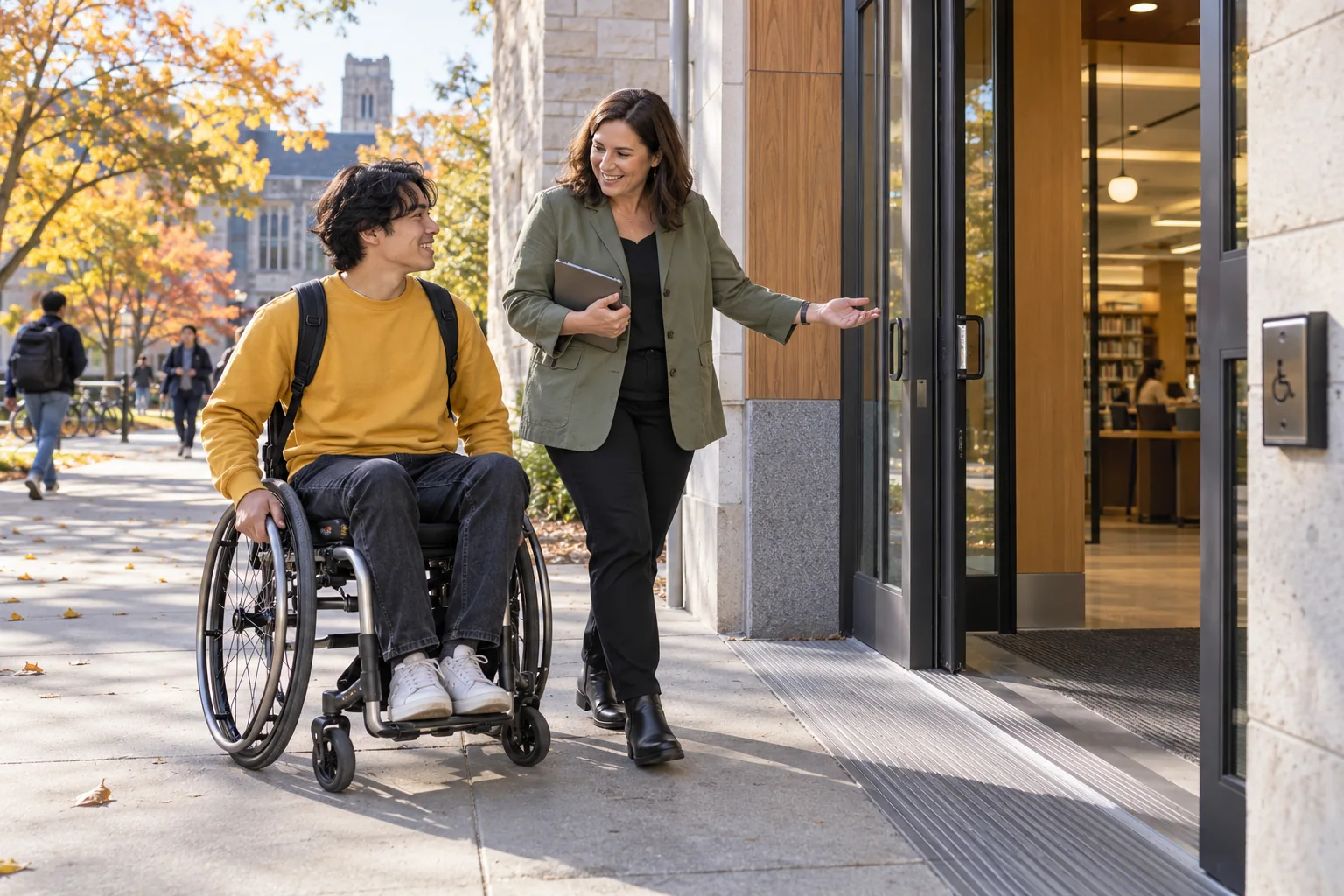
Identify user groups, assistive technologies and procurement criteria, including any required accessibility documentation.
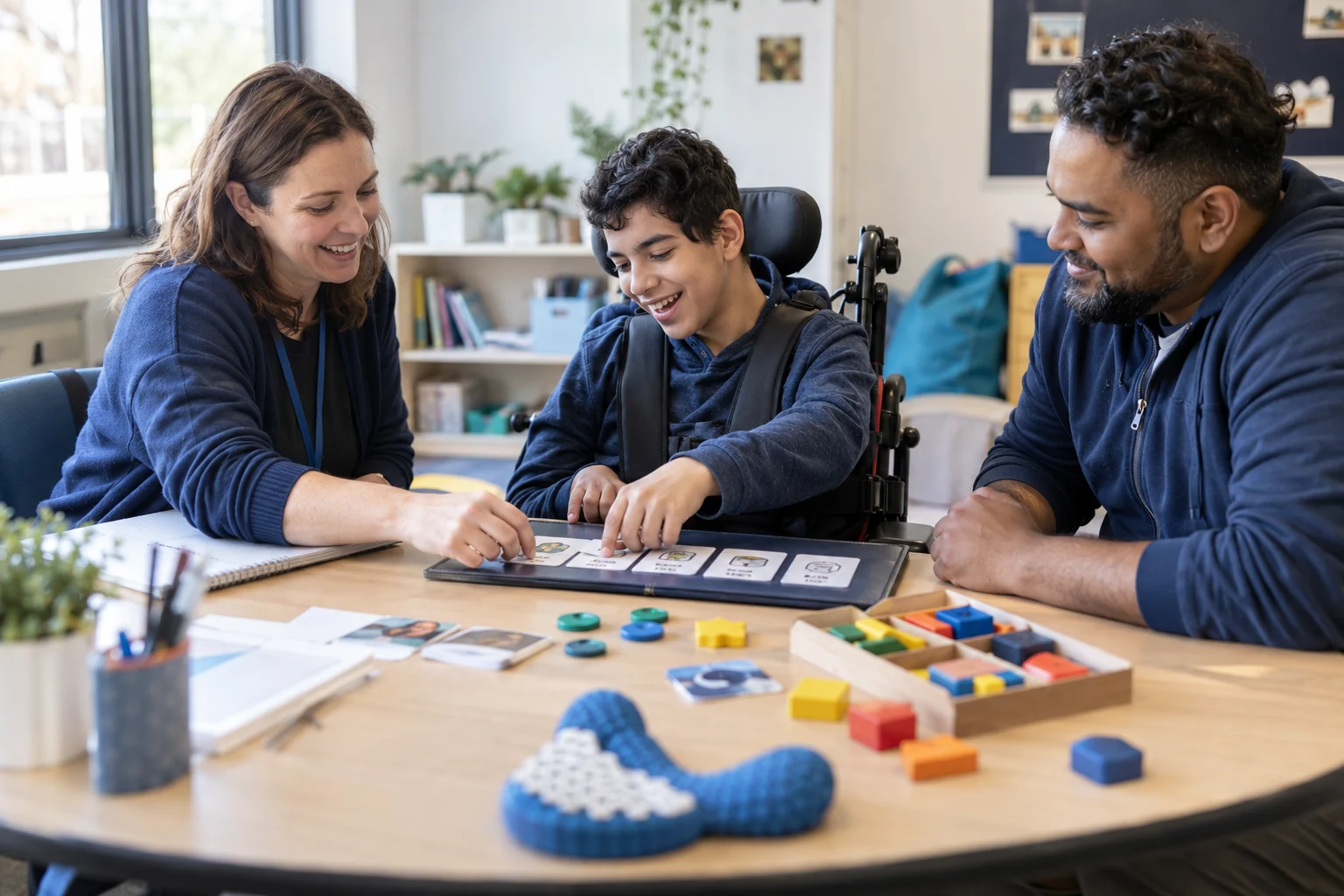
START WITH THE QUESTION
Can someone complete the task in the way they need to?
Accessibility is part of completing everyday work: finding a form, understanding an error, reviewing a result or confirming an appointment. Evaluate the whole task with real users and assistive settings, including the documents and connected services involved.
Explore accessibility & inclusive experiences in practice.
Choose a perspective to see what changes.
A clear route without a pointer
A user moves through the task in a meaningful order, opens a control and returns to the place they started.
Focus remains visible and the task can be completed without a mouse.
- Start
- Identify the task heading
- Move
- Reach each control in order
- Act
- Open, choose and confirm
- Recover
- Close and return to the trigger
WHAT MAKES IT USEFUL
Evaluate access through real educational tasks.
Design for varied interaction
Consider keyboard use, touch, screen readers, zoom and reduced motion from the start. A single visual demonstration cannot represent every user’s experience.
Content is part of usability
Use clear labels, descriptive links and instructions before a complex action. Avoid forcing users to infer meaning from icons, color or unexplained abbreviations.
Test a complete journey
Evaluate entry, task completion, error recovery and confirmation. Include exported documents, attachments and connected providers where they affect the outcome.
FROM DISCUSSION TO DAILY WORK
Test, resolve barriers, and retest with users.
- 1
Set evaluation needs
Identify user groups, assistive technologies and procurement criteria, including any required accessibility documentation.
- 2
Test priority tasks
Review admissions, classroom work and family interactions with representative users and automated checks where useful.
- 3
Track and retest issues
Assign an owner, describe the effect on task completion and verify the correction in the original scenario.
 Accessibility & inclusive experiencesSet evaluation needs → Track and retest issues
SEE HOW THE WORK CONNECTS
Accessibility & inclusive experiences
Can someone complete the task in the way they need to?
- 01
Set evaluation needs
Identify user groups, assistive technologies and procurement criteria, including any required accessibility documentation.
- 02
Test priority tasks
Review admissions, classroom work and family interactions with representative users and automated checks where useful.
- 03
Track and retest issues
Assign an owner, describe the effect on task completion and verify the correction in the original scenario.
Illustrative workflow · Shape the details around your institution.
CONFIGURE WITH INTENTION
Name accessibility requirements and review owners.
- Clear terminology, labels and accessible institutional content
- Task-specific assistive technology and browser testing
- Reduced-motion and responsive interaction expectations
- Issue reporting, acceptance criteria and remediation ownership
QUESTIONS TO RESOLVE
Questions about accessibility & inclusive experiences.
Use these questions to make the evaluation specific to your institution.
Is this a formal accessibility conformance statement?
No. This page describes the evaluation approach and design considerations. Request the current evidence and agreed conformance scope for the product and deployment being assessed before making a procurement decision.
How does the public website handle motion?
The public website respects the device’s reduced-motion preference. Hero rotation is disabled in that mode, manual navigation remains available and decorative transitions are removed.
What should an accessibility issue report include?
Describe the page, task, browser, device and assistive setting, then explain the expected outcome and what happened. Avoid including student records or other sensitive information in a general contact request.
YOUR INSTITUTION. YOUR CONTEXT.
Put your users’ priority tasks at the center of the demo.
Start with a real workflow, the people involved and the outcome you need.