
Campus & Student Services
Facility & Room Bookings
Make shared spaces dependable.
Coordinate access to shared rooms and facilities around availability, booking rules and institutional events.

Describe capacity, equipment, accessibility, and permitted uses.
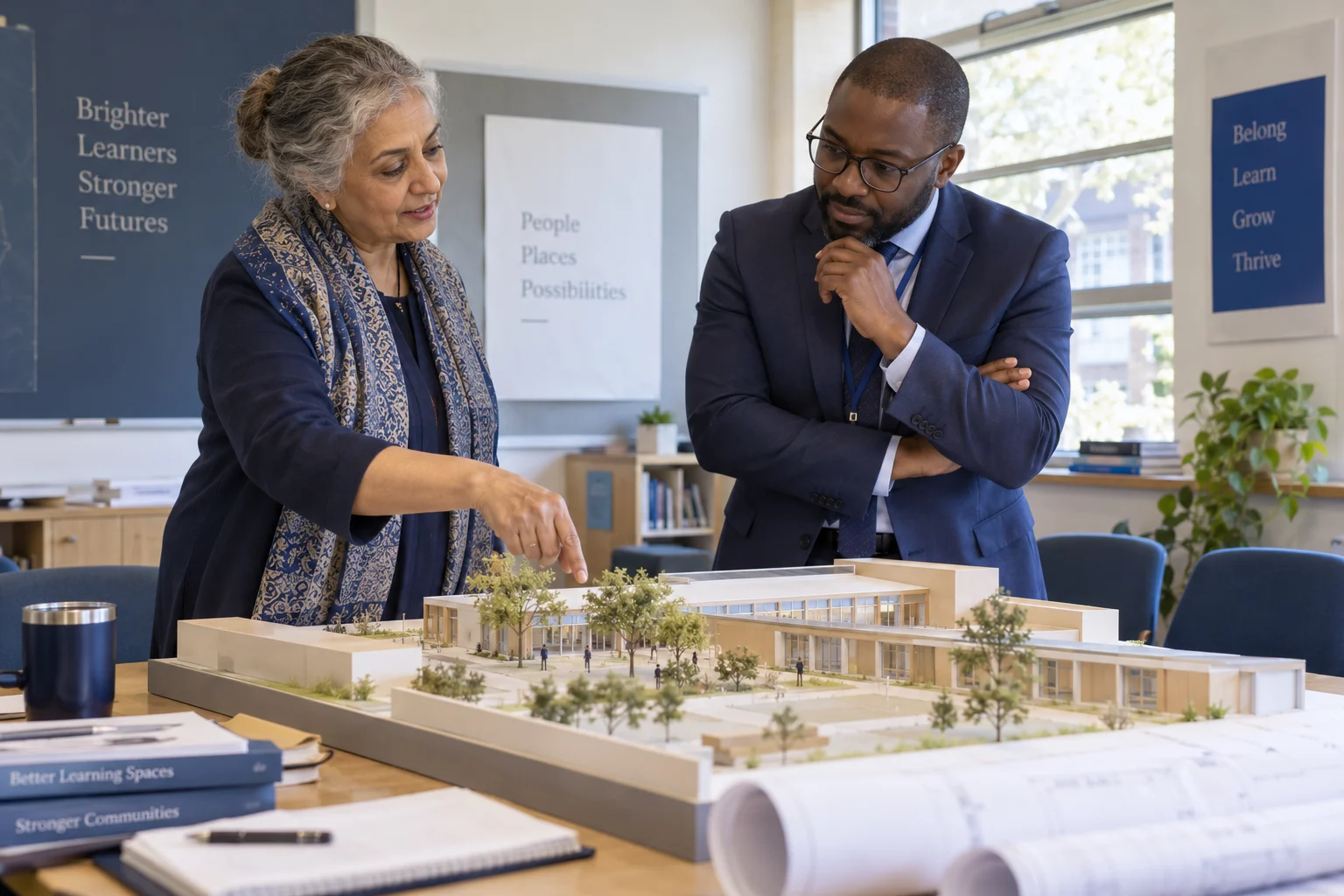
START WITH THE ACTUAL WORK
Why connect facility & room bookings?
A free calendar slot does not always mean a usable room. Capacity, equipment, access, preparation, and institutional priorities also matter.
WHAT THIS CAPABILITY BRINGS TOGETHER
Facility & Room Bookings: records, decisions, and handovers.
Space suitability
Describe capacity, equipment, accessibility, and permitted uses.
Booking coordination
Check the requested period against confirmed reservations and operating constraints.
Preparation and access
Communicate setup and entry requirements to the responsible teams.
FOLLOW THE WORK FROM START TO FINISH
Explore the facility & room bookings workflow.
This interactive illustration explains the operating model. It contains no live institutional records.
Prepare
Describe capacity, equipment, accessibility, and permitted uses.
Current focusCoordinate
Check the requested period against confirmed reservations and operating constraints.
Next handoffFollow through
Communicate setup and entry requirements to the responsible teams.
Next handoffCheck availability
Check suitable spaces and their actual availability.
A WORKED EXAMPLE · ILLUSTRATIVE SCENARIO
An empty room may still be unsuitable
A staff member requests space for a practical assessment. The available classroom lacks the equipment and access arrangements needed for the activity.
The decision and its context
Check capacity, accessibility, equipment, setup time and conflicts before approval. A booking request should identify its purpose so the facilities team can assess suitability.
What a complete outcome looks like
The confirmed booking should explain where the activity takes place and what must be ready. Maintenance downtime should remove the affected space from availability.
A CAPABILITY, NOT AN ISLAND
Connect facility & room bookings with the next workflow.
The same institutional context should support the next responsible team’s action. Explore the connected capabilities.
Coordinate teaching periods, instructors, rooms and student groups around the institution’s scheduling constraints.
Maintenance & Asset ManagementBring asset records, reported faults, assigned work and maintenance history into campus operations.
Meetings & AppointmentsCoordinate appointment availability, participant details and follow-up for institutional conversations.
YOUR INSTITUTION’S RULES
Set the rules for facility & room bookings.
- Room categories and available hours
- Approval, priority, and buffer rules
- Setup, equipment, and access requirements
WHEN THE DAY DOESN’T FOLLOW THE DEFAULT
A room becomes unavailable after booking
Identify affected reservations and coordinate a suitable alternative before confirming the change.
 Facility & Room BookingsSpace suitability → Preparation and access
SEE HOW THE WORK CONNECTS
Facility & Room Bookings
Facilities teams · Staff. Describe capacity, equipment, accessibility, and permitted uses.
- 01
Space suitability
Describe capacity, equipment, accessibility, and permitted uses.
- 02
Booking coordination
Check the requested period against confirmed reservations and operating constraints.
- 03
Preparation and access
Communicate setup and entry requirements to the responsible teams.
Illustrative workflow · Shape the details around your institution.
AUTOMATION WITH A PURPOSE
When a booking requires preparation.
Use an agreed trigger and response while keeping the responsible person in the decision.
A booking requires preparation
Create the setup task for the relevant facilities team ahead of the event.
APPROPRIATE CONTROL
Who can act on facility & room bookings?
Booking approval and physical access are separate responsibilities; communicate only the information needed by the people preparing or using the space.
Explore security and institutional controlKNOW WHETHER THE CHANGE IS HELPING
Spaces ready for use
Review booking conflicts, avoidable cancellations, and events with incomplete preparation.
Agree the baseline, reporting period, and owner before comparing results.Connect evidence to decisionsSEE IT IN YOUR CONTEXT
Different institutions. Specific responsibilities.
Institution perspectives
Boarding schoolsSchool groupsPeople doing the work
Facilities teamsA practical introduction
Bring a representative workflow, one recurring exception, and the people who own the handoffs.
Plan your implementationBEFORE THE CONVERSATION
Useful questions about facility & room bookings.
Can bookings include setup time?
Preparation and clearing buffers can be included so an apparently free slot does not conflict with the work needed around an event.
How does this fit the institution’s operating procedures?
Map the actual service handoffs, staff cover arrangements, and exception procedures first. Test a normal day and a disrupted day with the people responsible for running the service.
PUT YOUR PROCESS IN THE PICTURE
Explore facility & room bookings in your institution.
Start with your current workflow, the decisions that take time, and the handoffs you want to improve.
This public page presents Qentak’s capability model and an illustrative workflow. Available modules, integrations, operating rules, and rollout scope are established in your implementation plan.
Explore all 69 capabilities