
Health, Safety & Inclusion
Special Education & IEPs
Keep individual goals connected to everyday support.
Connect individual learning goals, accommodations and review responsibilities across the support team.
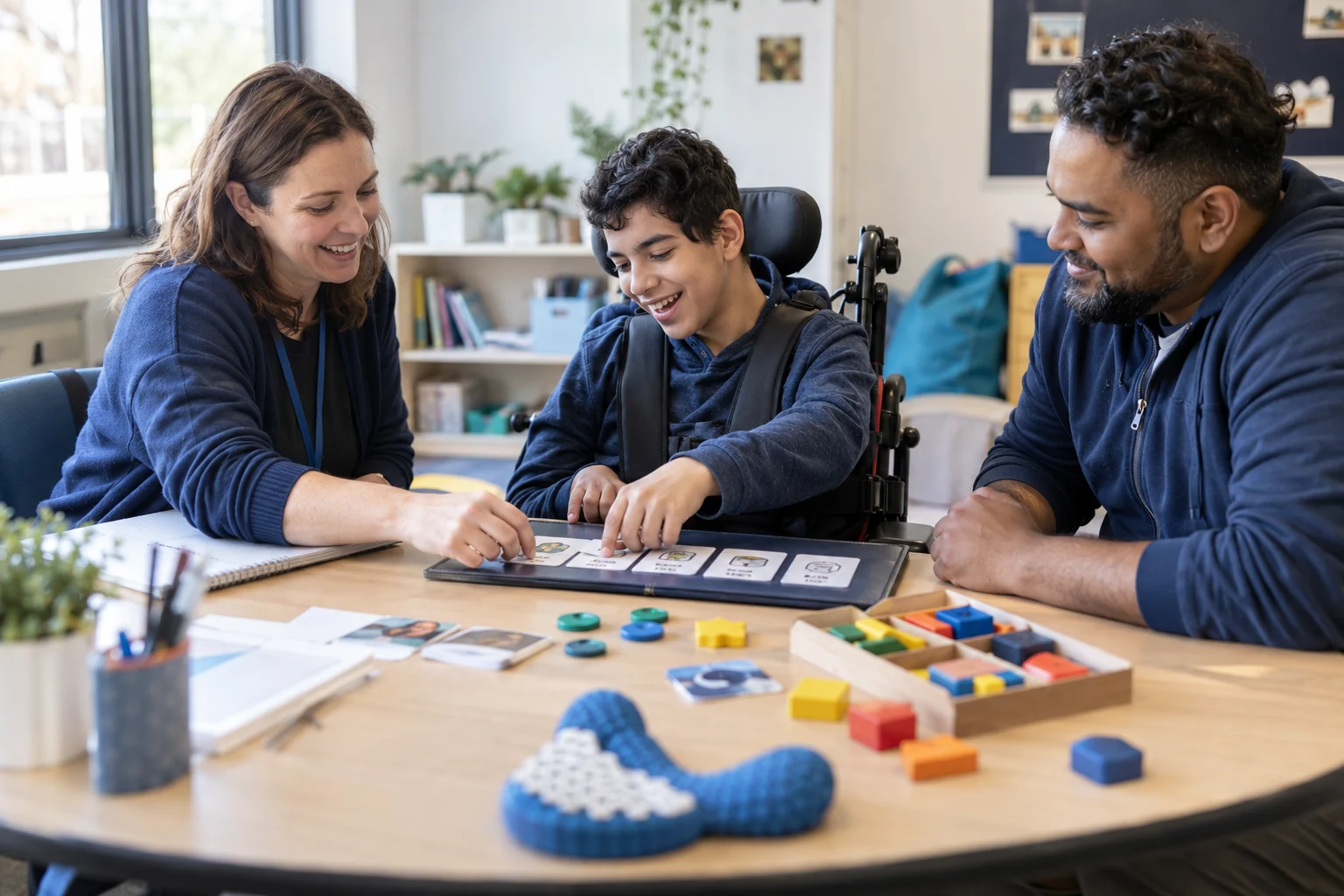
Record the learner’s goals, support needs, and the evidence to review.

START WITH THE ACTUAL WORK
Why connect special education & ieps?
An individual plan should guide teaching and review, not sit apart from the people implementing its goals and accommodations.
WHAT THIS CAPABILITY BRINGS TOGETHER
Special Education & IEPs: records, decisions, and handovers.
Individual learning goals
Record the learner’s goals, support needs, and the evidence to review.
Coordinated provision
Assign accommodations and support actions to the relevant staff.
A shared review process
Bring authorized family and professional perspectives into the plan’s next review.
FOLLOW THE WORK FROM START TO FINISH
Explore the special education & ieps workflow.
This interactive illustration explains the operating model. It contains no live institutional records.
Individual learning goals
Record the learner’s goals, support needs, and the evidence to review.
Plan structures and goal categoriesCoordinated provision
Assign accommodations and support actions to the relevant staff.
Review dates and team responsibilitiesA shared review process
Bring authorized family and professional perspectives into the plan’s next review.
Accommodation visibility and consent contextAssess learning needs
Assess the learning needs with the relevant professionals.
A WORKED EXAMPLE · ILLUSTRATIVE SCENARIO
An individual goal needs evidence and a review
A learner’s plan includes a communication goal addressed by several teachers and a specialist. Separate notes make it difficult to understand progress across settings.
The decision and its context
Connect the agreed goal, classroom strategies, responsible contributors and review date. Preserve the approved plan version and distinguish observations from a formal change to the plan.
What a complete outcome looks like
At review, the team should see relevant evidence and agreed next actions, with family participation handled appropriately. Share practical teaching strategies without copying the complete confidential record.
A CAPABILITY, NOT AN ISLAND
Connect special education & ieps with the next workflow.
The same institutional context should support the next responsible team’s action. Explore the connected capabilities.
Make approved learning and participation adjustments available to the staff responsible for implementing them.
Classroom ManagementBring class membership, learning activities and everyday classroom context into one view for teaching teams.
Counseling & WellbeingCoordinate referrals, appointments and support actions while separating sensitive case information from general records.
YOUR INSTITUTION’S RULES
Set the rules for special education & ieps.
- Plan structures and goal categories
- Review dates and team responsibilities
- Accommodation visibility and consent context
WHEN THE DAY DOESN’T FOLLOW THE DEFAULT
A support action is not reaching the classroom
Identify the responsible owner and review the provision before simply carrying the action forward.
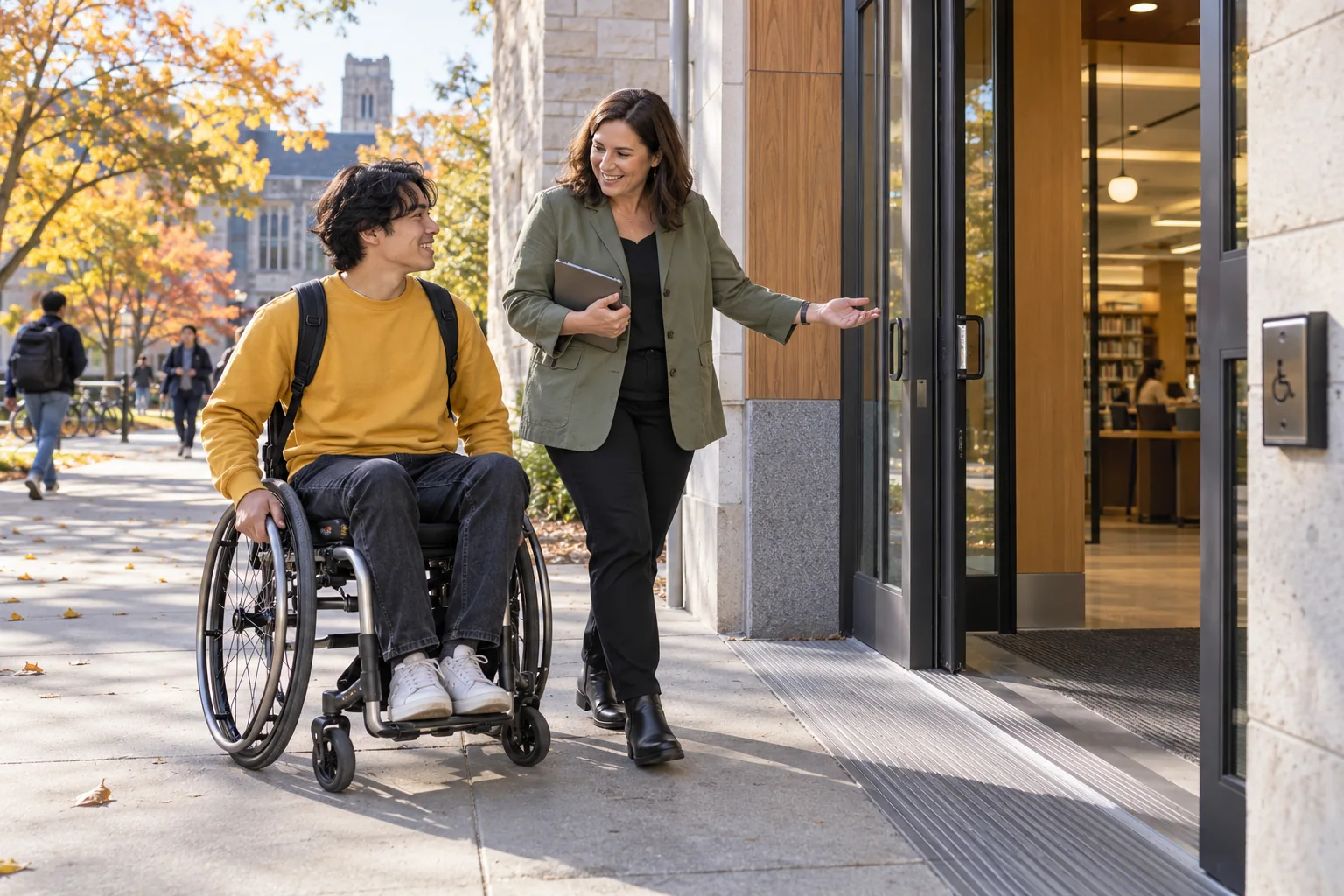 Special Education & IEPsIndividual learning goals → A shared review process
SEE HOW THE WORK CONNECTS
Special Education & IEPs
Special education staff · Teachers · Families. Record the learner’s goals, support needs, and the evidence to review.
- 01
Individual learning goals
Record the learner’s goals, support needs, and the evidence to review.
- 02
Coordinated provision
Assign accommodations and support actions to the relevant staff.
- 03
A shared review process
Bring authorized family and professional perspectives into the plan’s next review.
Illustrative workflow · Shape the details around your institution.
AUTOMATION WITH A PURPOSE
When a plan review approaches.
Use an agreed trigger and response while keeping the responsible person in the decision.
A plan review approaches
Bring together the agreed evidence and outstanding actions for the authorized team.
APPROPRIATE CONTROL
Who can act on special education & ieps?
Differentiate information required to implement an adjustment from restricted assessment and case history.
Explore security and institutional controlKNOW WHETHER THE CHANGE IS HELPING
Support delivered against goals
Review completed provisions and goal evidence rather than counting plans created.
Agree the baseline, reporting period, and owner before comparing results.Connect evidence to decisionsSEE IT IN YOUR CONTEXT
Different institutions. Specific responsibilities.
Institution perspectives
Special educationK–12 schoolsHomeschooling & home educationPeople doing the work
Special education staffTeachersA practical introduction
Bring a representative workflow, one recurring exception, and the people who own the handoffs.
Plan your implementationBEFORE THE CONVERSATION
Useful questions about special education & ieps.
Can a plan include family input?
The review can include authorized family contributions and professional perspectives, with visibility and participation appropriate to the learner’s context.
How should sensitive workflows be introduced?
Agree the professional responsibilities, access boundaries, consent context, escalation routes, and retention rules. Test permissions and exceptional cases with the designated institutional leads.
PUT YOUR PROCESS IN THE PICTURE
Explore special education & ieps in your institution.
Start with your current workflow, the decisions that take time, and the handoffs you want to improve.
This public page presents Qentak’s capability model and an illustrative workflow. Available modules, integrations, operating rules, and rollout scope are established in your implementation plan.
Explore all 69 capabilities