
Academics & Learning
Classroom Management
Bring the classroom day into focus.
Bring class membership, learning activities and everyday classroom context into one view for teaching teams.

Connect learners, groups, and relevant authorized classroom context.

START WITH THE ACTUAL WORK
Why connect classroom management?
Teachers should be able to prepare an activity and coordinate follow-up without reconstructing their class context from several lists.
WHAT THIS CAPABILITY BRINGS TOGETHER
Classroom Management: records, decisions, and handovers.
A current class roster
Connect learners, groups, and relevant authorized classroom context.
Activity preparation
Organize the people, resources, and grouping needed for the next learning experience.
Observations with a next step
Capture factual classroom notes and route appropriate follow-up to colleagues.
FOLLOW THE WORK FROM START TO FINISH
Explore the classroom management workflow.
This interactive illustration explains the operating model. It contains no live institutional records.
A current class roster
Connect learners, groups, and relevant authorized classroom context.
Learning contextActivity preparation
Organize the people, resources, and grouping needed for the next learning experience.
Learning contextObservations with a next step
Capture factual classroom notes and route appropriate follow-up to colleagues.
Learning contextReview the class roster
Review the current roster and relevant classroom information.
A WORKED EXAMPLE · ILLUSTRATIVE SCENARIO
Cover teaching with enough context to continue
A substitute teacher takes a class at short notice. They need the current roster, learning plan and practical classroom instructions without receiving unrestricted student records.
The decision and its context
Prepare the class context for the assigned period and responsibility. Include the activity, necessary adjustments and escalation contact, while keeping confidential background information within its authorized team.
What a complete outcome looks like
Confirm that cover can identify the right class, record the required classroom actions and hand back observations to the usual teacher.
A CAPABILITY, NOT AN ISLAND
Connect classroom management with the next workflow.
The same institutional context should support the next responsible team’s action. Explore the connected capabilities.
Bring class responsibilities, learning plans, assessment tasks and student context into the teacher’s day.
Lesson PlanningGive teachers a place to structure lesson objectives, activities, resources and links to the wider curriculum.
Special Education & IEPsConnect individual learning goals, accommodations and review responsibilities across the support team.
YOUR INSTITUTION’S RULES
Set the rules for classroom management.
- Teaching groups and classroom routines
- Observation categories and visibility
- Support handoff and review responsibilities
WHEN THE DAY DOESN’T FOLLOW THE DEFAULT
A classroom concern needs specialist attention
Refer the concern through the appropriate support process instead of exposing sensitive case notes to the full class team.
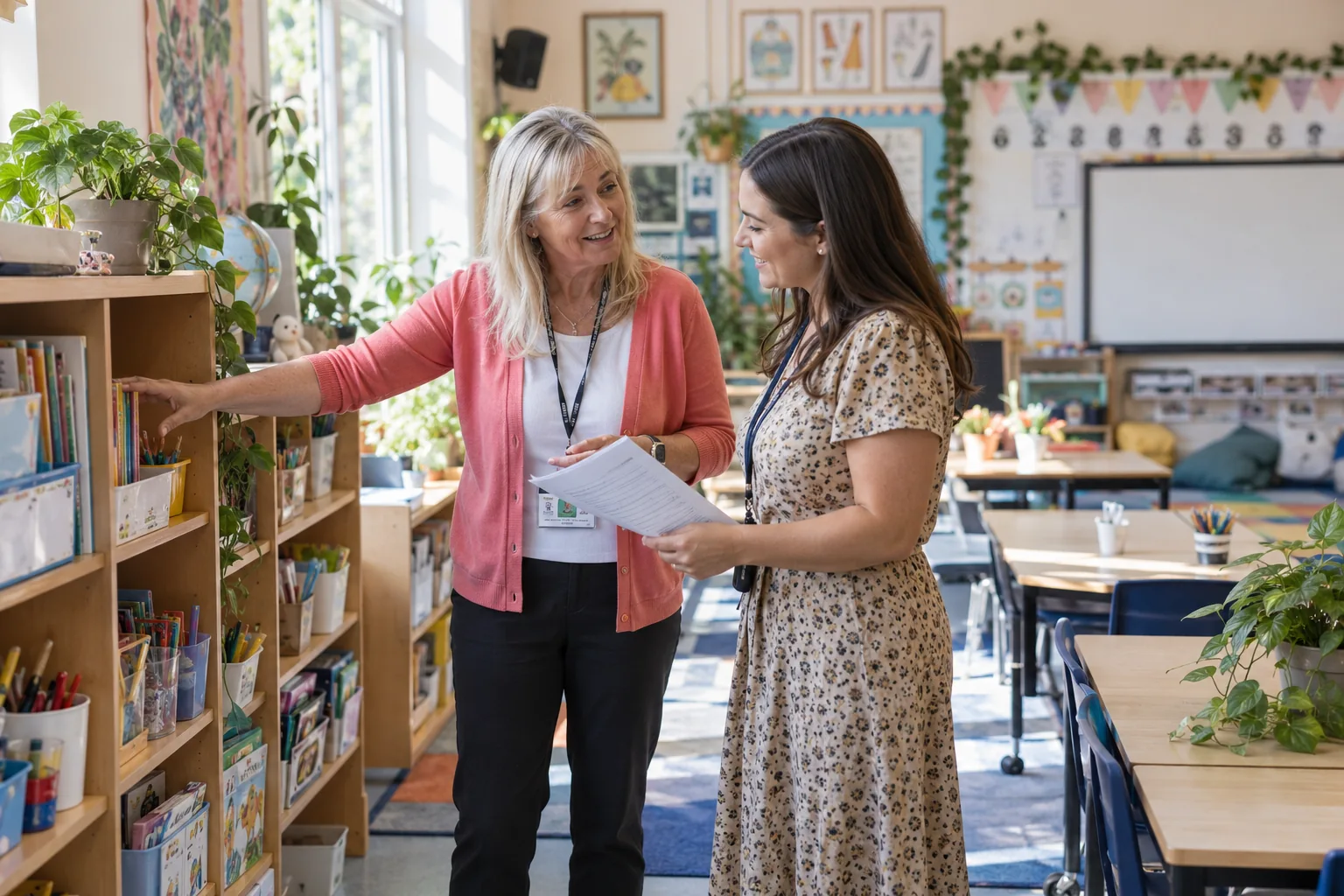 Classroom ManagementA current class roster → Observations with a next step
SEE HOW THE WORK CONNECTS
Classroom Management
Teachers · Learning support teams. Connect learners, groups, and relevant authorized classroom context.
- 01
A current class roster
Connect learners, groups, and relevant authorized classroom context.
- 02
Activity preparation
Organize the people, resources, and grouping needed for the next learning experience.
- 03
Observations with a next step
Capture factual classroom notes and route appropriate follow-up to colleagues.
Illustrative workflow · Shape the details around your institution.
AUTOMATION WITH A PURPOSE
When an observation needs follow-up.
Use an agreed trigger and response while keeping the responsible person in the decision.
An observation needs follow-up
Create an owned action for the teacher or authorized support colleague.
APPROPRIATE CONTROL
Who can act on classroom management?
Use factual, purposeful observations, with access and retention appropriate to their educational purpose and sensitivity.
Explore security and institutional controlKNOW WHETHER THE CHANGE IS HELPING
Follow-through on classroom needs
Review observations awaiting action and whether the planned support reached the classroom.
Agree the baseline, reporting period, and owner before comparing results.Connect evidence to decisionsSEE IT IN YOUR CONTEXT
Different institutions. Specific responsibilities.
Institution perspectives
K–12 schoolsVocational educationPeople doing the work
TeachersLearning support teamsA practical introduction
Bring a representative workflow, one recurring exception, and the people who own the handoffs.
Plan your implementationBEFORE THE CONVERSATION
Useful questions about classroom management.
Are classroom notes shared with everyone?
Visibility should follow the type of note and the recipient’s responsibility; sensitive support details belong in the restricted support process.
How should academic teams prepare for rollout?
Start with an approved academic calendar, clear curriculum or course ownership, and representative teaching examples. Use a pilot cycle to review how the planned workflow fits daily teaching.
PUT YOUR PROCESS IN THE PICTURE
Explore classroom management in your institution.
Start with your current workflow, the decisions that take time, and the handoffs you want to improve.
This public page presents Qentak’s capability model and an illustrative workflow. Available modules, integrations, operating rules, and rollout scope are established in your implementation plan.
Explore all 69 capabilities