
Academics & Learning
Lesson Planning
Turn an objective into a considered learning experience.
Give teachers a place to structure lesson objectives, activities, resources and links to the wider curriculum.
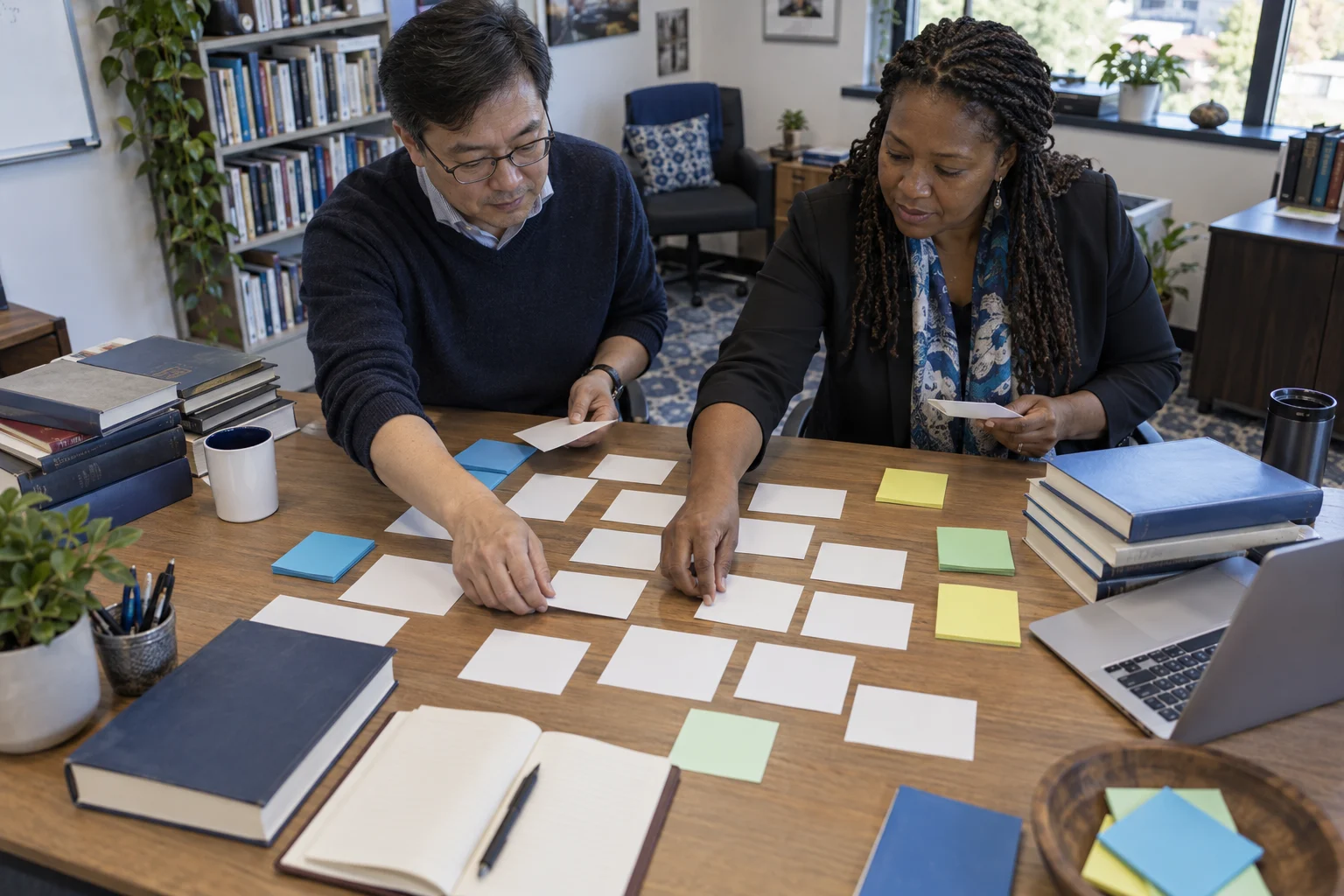
Start with the intended learning and the evidence that will show understanding.

START WITH THE ACTUAL WORK
Why connect lesson planning?
A lesson plan is most useful when its purpose, activities, resources, and adaptations are connected to the learners and curriculum it serves.
WHAT THIS CAPABILITY BRINGS TOGETHER
Lesson Planning: records, decisions, and handovers.
Objective-led planning
Start with the intended learning and the evidence that will show understanding.
A teachable sequence
Arrange activities, timing, resources, and checks for understanding.
Reflection that informs the next lesson
Capture what worked, what needs reteaching, and changes for the next class.
FOLLOW THE WORK FROM START TO FINISH
Explore the lesson planning workflow.
This interactive illustration explains the operating model. It contains no live institutional records.
Objective-led planning
Start with the intended learning and the evidence that will show understanding.
Learning contextA teachable sequence
Arrange activities, timing, resources, and checks for understanding.
Learning contextReflection that informs the next lesson
Capture what worked, what needs reteaching, and changes for the next class.
Learning contextSelect a learning objective
Select the curriculum objective and the evidence of learning.
A WORKED EXAMPLE · ILLUSTRATIVE SCENARIO
Planning for the learners actually in the room
A teacher prepares a practical lesson with shared equipment and learners who need different ways to participate. An objective alone does not establish readiness.
The decision and its context
Connect the curriculum outcome to activities, materials, timing and an appropriate check for understanding. Include the classroom adjustments staff need without copying confidential support notes into the lesson plan.
What a complete outcome looks like
The next teacher should understand what was intended, what was delivered and what needs revisiting. A missed activity should remain visible in the sequence.
A CAPABILITY, NOT AN ISLAND
Connect lesson planning with the next workflow.
The same institutional context should support the next responsible team’s action. Explore the connected capabilities.
Connect learning objectives, curriculum coverage and teaching plans across subjects, levels and academic periods.
Classroom ManagementBring class membership, learning activities and everyday classroom context into one view for teaching teams.
Learning Management SystemConnect learning materials, class activities and participation to the course and the students taking it.
YOUR INSTITUTION’S RULES
Set the rules for lesson planning.
- Planning templates by phase or subject
- Curriculum links and resource categories
- Shared planning and review responsibilities
WHEN THE DAY DOESN’T FOLLOW THE DEFAULT
The class needs a different pace
Adjust the next activity and record the learning gap while keeping the original objective visible.
 Lesson PlanningObjective-led planning → Reflection that informs the next lesson
SEE HOW THE WORK CONNECTS
Lesson Planning
Teachers · Subject leads. Start with the intended learning and the evidence that will show understanding.
- 01
Objective-led planning
Start with the intended learning and the evidence that will show understanding.
- 02
A teachable sequence
Arrange activities, timing, resources, and checks for understanding.
- 03
Reflection that informs the next lesson
Capture what worked, what needs reteaching, and changes for the next class.
Illustrative workflow · Shape the details around your institution.
AUTOMATION WITH A PURPOSE
When a planned resource is missing.
Use an agreed trigger and response while keeping the responsible person in the decision.
A planned resource is missing
Surface the preparation task before the lesson rather than during teaching.
APPROPRIATE CONTROL
Who can act on lesson planning?
Share teaching plans with the appropriate team while keeping individual student support information in its authorized context.
Explore security and institutional controlKNOW WHETHER THE CHANGE IS HELPING
Prepared and connected teaching
Review upcoming lessons with objectives and resources, alongside reflections that lead to a concrete next step.
Agree the baseline, reporting period, and owner before comparing results.Connect evidence to decisionsSEE IT IN YOUR CONTEXT
Different institutions. Specific responsibilities.
Institution perspectives
Primary schoolsHomeschooling & home educationPeople doing the work
TeachersSubject leadsA practical introduction
Bring a representative workflow, one recurring exception, and the people who own the handoffs.
Plan your implementationBEFORE THE CONVERSATION
Useful questions about lesson planning.
Can teachers reuse a lesson plan?
A reusable plan provides a starting point; the teacher adapts its activities, timing, and support to the current class.
How should academic teams prepare for rollout?
Start with an approved academic calendar, clear curriculum or course ownership, and representative teaching examples. Use a pilot cycle to review how the planned workflow fits daily teaching.
PUT YOUR PROCESS IN THE PICTURE
Explore lesson planning in your institution.
Start with your current workflow, the decisions that take time, and the handoffs you want to improve.
This public page presents Qentak’s capability model and an illustrative workflow. Available modules, integrations, operating rules, and rollout scope are established in your implementation plan.
Explore all 69 capabilities