
Campus & Student Services
Food & Meal Services
Make meal planning attentive to every learner.
Coordinate meal plans, dietary requirements and service counts with the student information teams need.
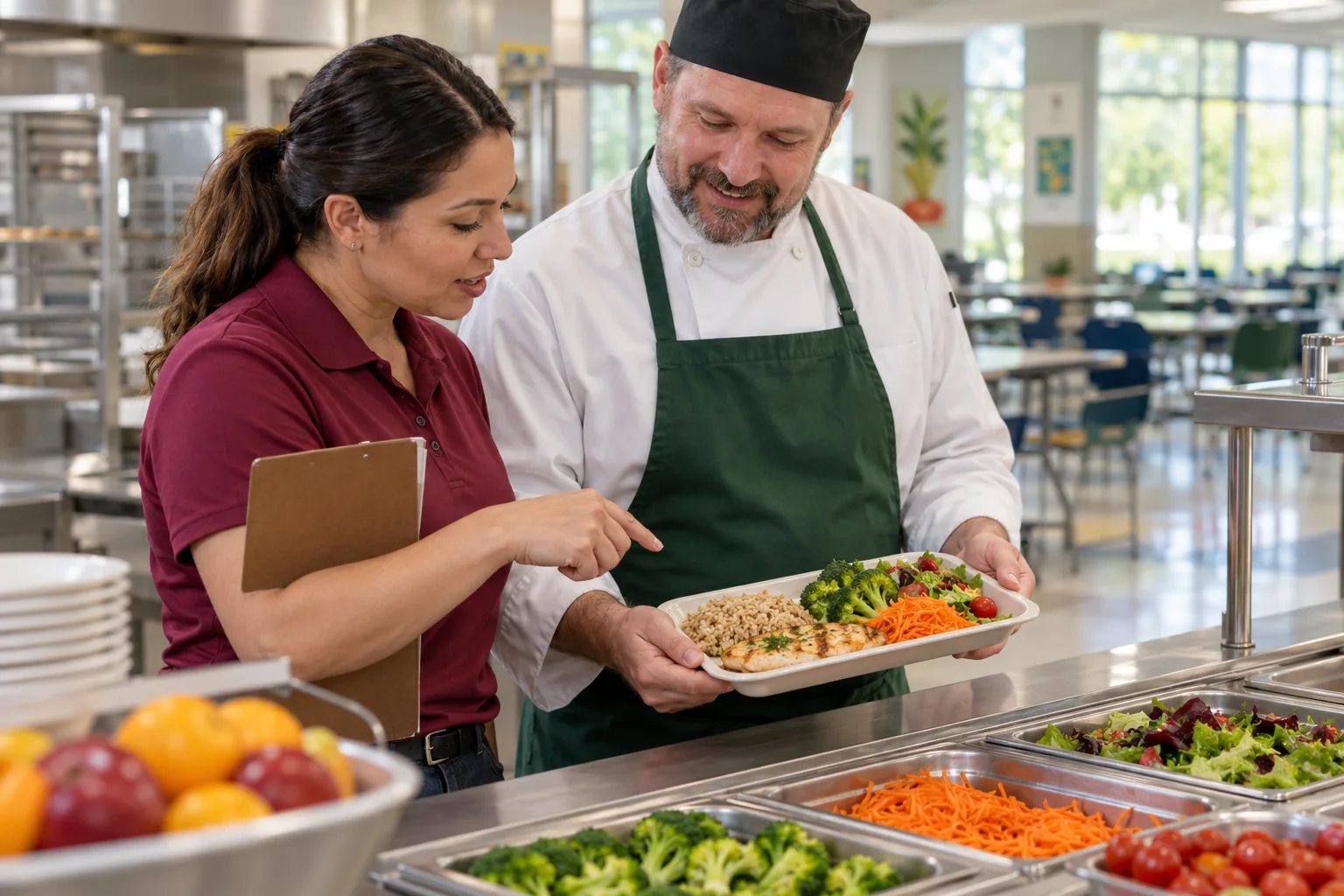
Connect plans or daily choices to the correct service dates.

START WITH THE ACTUAL WORK
Why connect food & meal services?
Catering teams need dependable selections and relevant dietary instructions before service, without unrestricted access to a student’s medical record.
WHAT THIS CAPABILITY BRINGS TOGETHER
Food & Meal Services: records, decisions, and handovers.
Meal selection
Connect plans or daily choices to the correct service dates.
Dietary context
Present the confirmed instructions relevant to preparing and serving food.
Service counts
Prepare totals by meal, group, or location and reflect approved changes.
FOLLOW THE WORK FROM START TO FINISH
Explore the food & meal services workflow.
This interactive illustration explains the operating model. It contains no live institutional records.
Prepare
Connect plans or daily choices to the correct service dates.
Current focusCoordinate
Present the confirmed instructions relevant to preparing and serving food.
Next handoffFollow through
Prepare totals by meal, group, or location and reflect approved changes.
Next handoffConfirm meal selections
Confirm meal selections for the service period.
A WORKED EXAMPLE · ILLUSTRATIVE SCENARIO
Meal planning needs current dietary instructions
A learner’s dietary requirement changes after the weekly catering count has been prepared. The count and the practical meal instruction now need different updates.
The decision and its context
Route verified dietary information to the staff who need it, update the applicable service period and separate catering instructions from detailed health records.
What a complete outcome looks like
Catering should identify the applicable meal arrangement and any unresolved clarification before service. Historical counts should remain explainable for planning and billing.
A CAPABILITY, NOT AN ISLAND
Connect food & meal services with the next workflow.
The same institutional context should support the next responsible team’s action. Explore the connected capabilities.
Organize relevant medical information and care events with particular attention to sensitive access and consent.
Parent PortalGive authorized parents and guardians a relevant view of their children’s learning, notices and school administration.
Tuition & Fee ManagementConnect fee schedules to programs, terms and student groups, including the exceptions an institution needs to manage.
YOUR INSTITUTION’S RULES
Set the rules for food & meal services.
- Meal plans and booking cutoffs
- Dietary instruction review and visibility
- Service locations and charging rules
WHEN THE DAY DOESN’T FOLLOW THE DEFAULT
A dietary instruction changes
Have the appropriate authorized team confirm it and ensure the relevant service staff receive the update.
 Food & Meal ServicesMeal selection → Service counts
SEE HOW THE WORK CONNECTS
Food & Meal Services
Catering teams · Student services. Connect plans or daily choices to the correct service dates.
- 01
Meal selection
Connect plans or daily choices to the correct service dates.
- 02
Dietary context
Present the confirmed instructions relevant to preparing and serving food.
- 03
Service counts
Prepare totals by meal, group, or location and reflect approved changes.
Illustrative workflow · Shape the details around your institution.
AUTOMATION WITH A PURPOSE
When the selection cutoff is reached.
Use an agreed trigger and response while keeping the responsible person in the decision.
The selection cutoff is reached
Prepare the service count and separate late changes requiring catering review.
APPROPRIATE CONTROL
Who can act on food & meal services?
Meal staff need clear approved dietary instructions, not unrestricted health notes. Establish who confirms and updates sensitive information.
Explore security and institutional controlKNOW WHETHER THE CHANGE IS HELPING
Prepared service
Review differences between planned and served meals and late changes affecting preparation.
Agree the baseline, reporting period, and owner before comparing results.Connect evidence to decisionsSEE IT IN YOUR CONTEXT
Different institutions. Specific responsibilities.
Institution perspectives
Primary schoolsBoarding schoolsPeople doing the work
Catering teamsA practical introduction
Bring a representative workflow, one recurring exception, and the people who own the handoffs.
Plan your implementationBEFORE THE CONVERSATION
Useful questions about food & meal services.
Is an allergy note enough to manage an emergency?
No. Dietary information supports preparation; trained staff and the institution’s established emergency procedures remain essential.
How does this fit the institution’s operating procedures?
Map the actual service handoffs, staff cover arrangements, and exception procedures first. Test a normal day and a disrupted day with the people responsible for running the service.
PUT YOUR PROCESS IN THE PICTURE
Explore food & meal services in your institution.
Start with your current workflow, the decisions that take time, and the handoffs you want to improve.
This public page presents Qentak’s capability model and an illustrative workflow. Available modules, integrations, operating rules, and rollout scope are established in your implementation plan.
Explore all 69 capabilities