
Health, Safety & Inclusion
Health & Medical Records
Make relevant care information available with care.
Organize relevant medical information and care events with particular attention to sensitive access and consent.
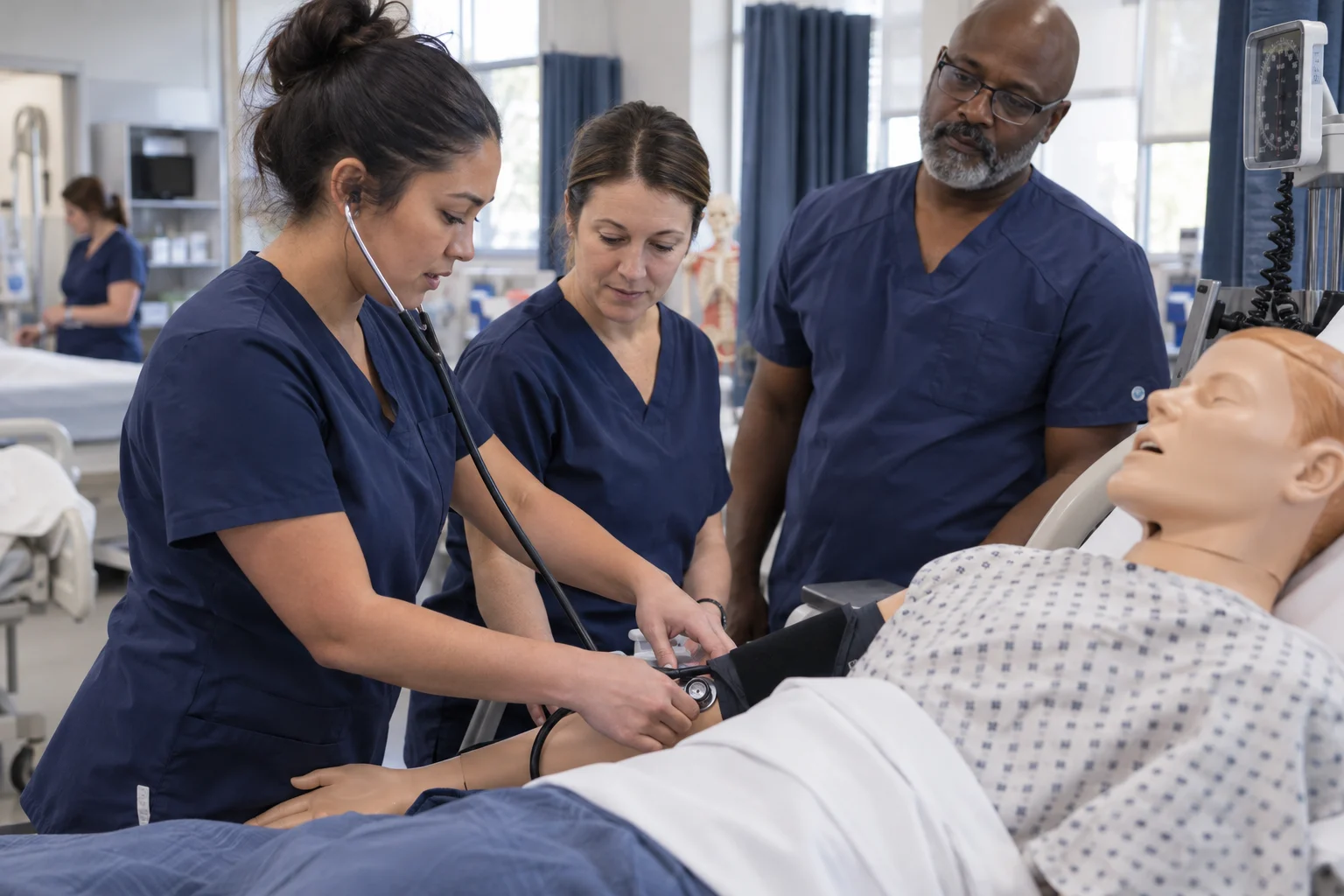
Record relevant conditions, contacts, and authorized care guidance.

START WITH THE ACTUAL WORK
Why connect health & medical records?
Health information must be current enough to support an appropriate response and restricted enough to protect the learner’s sensitive record.
WHAT THIS CAPABILITY BRINGS TOGETHER
Health & Medical Records: records, decisions, and handovers.
Confirmed health context
Record relevant conditions, contacts, and authorized care guidance.
Consent and review
Keep the source, confirmation date, and applicable permissions visible.
Care-event continuity
Document factual care events and the permitted follow-up.
FOLLOW THE WORK FROM START TO FINISH
Explore the health & medical records workflow.
This interactive illustration explains the operating model. It contains no live institutional records.
Confirmed health context
Record relevant conditions, contacts, and authorized care guidance.
Health-information categories and review datesConsent and review
Keep the source, confirmation date, and applicable permissions visible.
Consent requirements and authorized rolesCare-event continuity
Document factual care events and the permitted follow-up.
Care-event recording and escalation proceduresConfirm medical information
Confirm relevant information and its source.
A WORKED EXAMPLE · ILLUSTRATIVE SCENARIO
Staff need an instruction without the whole clinical history
A learner has an updated care instruction relevant to a school activity. The supervisor needs practical guidance, while detailed health information remains restricted.
The decision and its context
Confirm the source and effective date with the authorized health team. Share only the instructions necessary for the activity and use the institution’s process for urgent concerns or unclear information.
What a complete outcome looks like
The relevant staff should identify the current instruction and responsible contact. Replaced instructions should not remain in everyday circulation.
A CAPABILITY, NOT AN ISLAND
Connect health & medical records with the next workflow.
The same institutional context should support the next responsible team’s action. Explore the connected capabilities.
Coordinate meal plans, dietary requirements and service counts with the student information teams need.
Special Education & IEPsConnect individual learning goals, accommodations and review responsibilities across the support team.
Parent PortalGive authorized parents and guardians a relevant view of their children’s learning, notices and school administration.
YOUR INSTITUTION’S RULES
Set the rules for health & medical records.
- Health-information categories and review dates
- Consent requirements and authorized roles
- Care-event recording and escalation procedures
WHEN THE DAY DOESN’T FOLLOW THE DEFAULT
A reported health detail has not been confirmed
Identify its status and route verification to the appropriate health professional or authorized guardian.
 Health & Medical RecordsConfirmed health context → Care-event continuity
SEE HOW THE WORK CONNECTS
Health & Medical Records
Authorized health staff · Guardians. Record relevant conditions, contacts, and authorized care guidance.
- 01
Confirmed health context
Record relevant conditions, contacts, and authorized care guidance.
- 02
Consent and review
Keep the source, confirmation date, and applicable permissions visible.
- 03
Care-event continuity
Document factual care events and the permitted follow-up.
Illustrative workflow · Shape the details around your institution.
AUTOMATION WITH A PURPOSE
When a health-information review is due.
Use an agreed trigger and response while keeping the responsible person in the decision.
A health-information review is due
Request confirmation through the designated process before the record becomes stale.
APPROPRIATE CONTROL
Who can act on health & medical records?
Health notes require restricted access and an appropriate retention policy. Operational staff should receive only the guidance necessary for their responsibility.
Explore security and institutional controlKNOW WHETHER THE CHANGE IS HELPING
Current care context
Review records awaiting confirmation and care follow-ups still open with the authorized team.
Agree the baseline, reporting period, and owner before comparing results.Connect evidence to decisionsSEE IT IN YOUR CONTEXT
Different institutions. Specific responsibilities.
Institution perspectives
Special educationBoarding schoolsPeople doing the work
Authorized health staffGuardiansA practical introduction
Bring a representative workflow, one recurring exception, and the people who own the handoffs.
Plan your implementationBEFORE THE CONVERSATION
Useful questions about health & medical records.
Does Qentak provide a medical diagnosis?
No. These records support authorized staff and established care procedures; clinical judgment belongs to qualified professionals.
How should sensitive workflows be introduced?
Agree the professional responsibilities, access boundaries, consent context, escalation routes, and retention rules. Test permissions and exceptional cases with the designated institutional leads.
PUT YOUR PROCESS IN THE PICTURE
Explore health & medical records in your institution.
Start with your current workflow, the decisions that take time, and the handoffs you want to improve.
This public page presents Qentak’s capability model and an illustrative workflow. Available modules, integrations, operating rules, and rollout scope are established in your implementation plan.
Explore all 69 capabilities